Data Browser
Table View
Browse your data in a spreadsheet-like table view.
Opening a Table
Click any table in the sidebar to open it in the Data Browser. The table view displays your data in a familiar spreadsheet-like grid.
Features
- Column resizing — drag column headers to resize
- Column reordering — drag columns to reorder them
- Sorting — click a column header to sort ascending/descending
- Row count — total row count displayed in the status bar
- Pagination — navigate through large datasets with page controls
Cell Types
Relay renders different cell types based on the column data type:
- Text/Varchar — plain text display
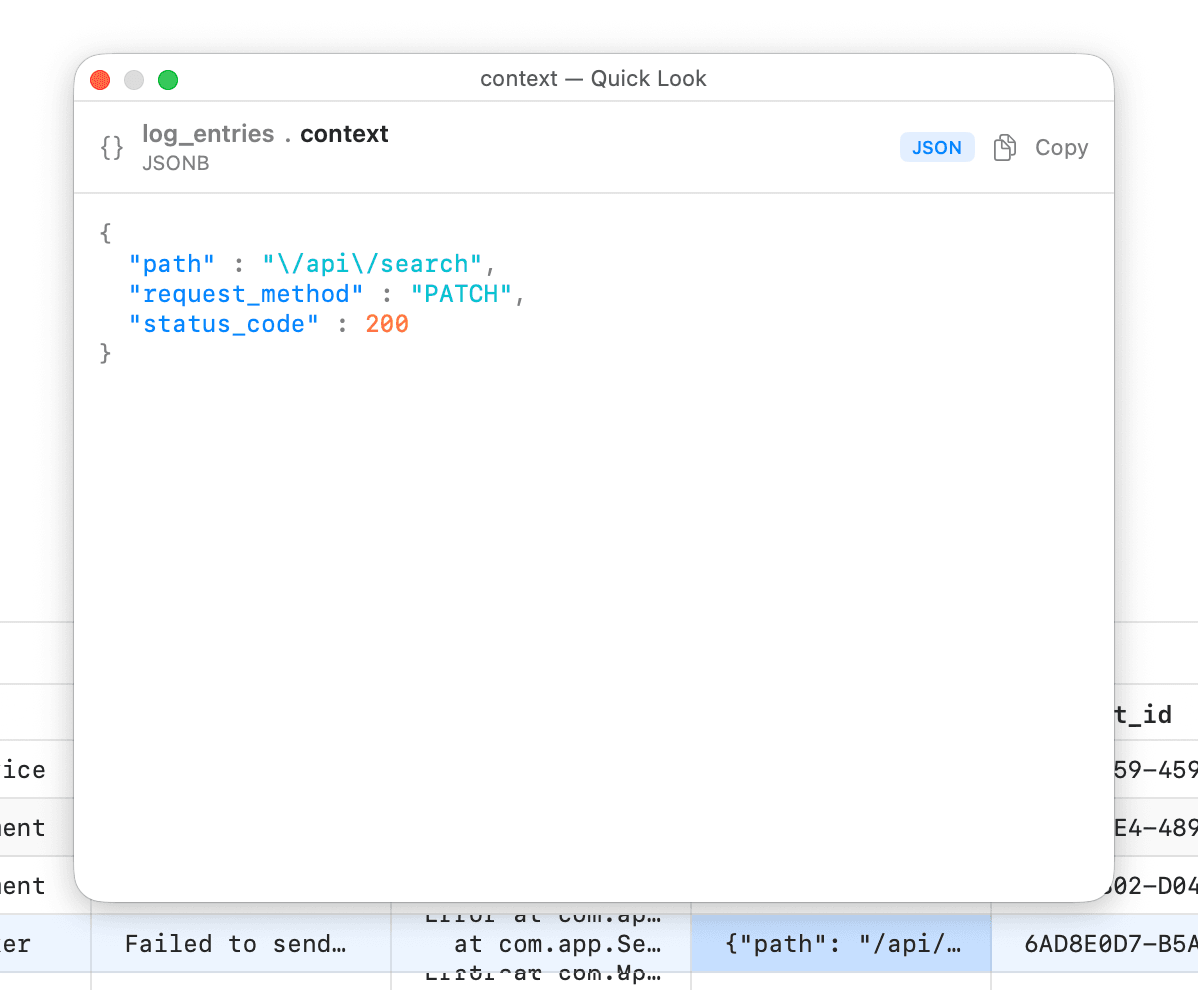
- JSON/JSONB — formatted JSON with syntax highlighting
- XML - formatted XML with syntax highlighting
- Boolean — checkbox display
- Timestamps — formatted date/time display
- NULL — distinct null indicator
Quick Look
Relay has a built-in quick look functionality. When any cell is highlighted, press Spacebar key